Clean commits are typically considered:
- well-structured
- meaningful
- easy to understand
They help with reviewing commits, understanding changes later, and maintaining the code, as maintenance is often the most expensive part of a software project.
Video: Clean commits with SmartGitClean Commits in Practice
- Separate (atomic) commits for different tasks, e.g.
- one commit for a purely layout or code style changes,
- one commit for introducing a new parameter to parametrize the behavior of a common function,
- one commit for changing the newly introduced parameter in specific places
- No debugging leftovers, no other “noise”
- Easy-to-understand and descriptive commit messages, often also explaining why something was changed
- Proper formatting
While working heavily in a feature branch, this level of cleanliness is not always necessary – at least not if you have the right tools and clean up your commits before merging your branch.
This is where SmartGit comes to the rescue - by providing the right tools.
Basic Operations

At Syntevo, we are convinced that a clean and structured commit history is essential for a professional project.
That’s why SmartGit offers intuitive commands to shape clean commits — by reordering, modifying, splitting, or squashing them.
A clear visual Log and built-in safeguards let you perform these changes with ease and confidence.
See the videoModifying the Commit History

Sometimes, mistakes happen in earlier commits – not just the latest one.
With SmartGit, you can confidently modify non-HEAD commits on your feature branch to fix typos, update file contents, or adjust commit messages from earlier in your work.
See the videoSplit Commits: How to Clean Up Your Commit History

On a feature branch, unrelated changes sometimes end up in the same commit.
With SmartGit, you can easily split a non-HEAD commit into smaller, focused commits – safely and visually.
SmartGit’s split tool and safeguards help you keep your history clean and meaningful.
See the videoOverlap: Spot the Commits Worth Cleaning Up
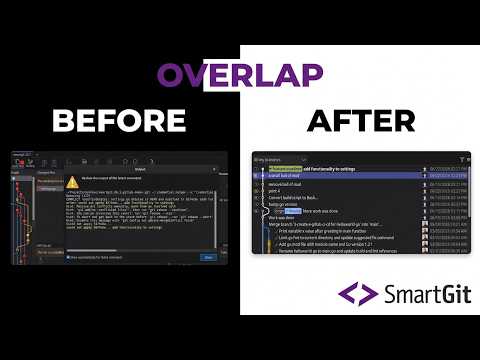
Cleaning up a feature branch often means answering difficult questions: Which commits belong together? Which should be split? Which can be reordered safely?
SmartGit’s Overlap column gives you those answers visually. It highlights dependencies and related changes, making cleanup opportunities immediately obvious.
When it’s time to split, squash, or rebase, Overlap removes the guesswork and lets you reshape your history with confidence.
See the video