GitLab on your desktop
SmartGit streamlines the Git workflows for GitLab: clone the Git repository from GitLab, create merge requests, review and add comments.
Using GitHub? See SmartGit's GitHub integration for pull request reviews and comments.
Manage Merge Requests


Contributors can create and send a Merge Request immediately after committing changes.
Maintainers can fetch the Merge Request, review it locally, merge it, comment it or reject it.
Review and Comment Commits
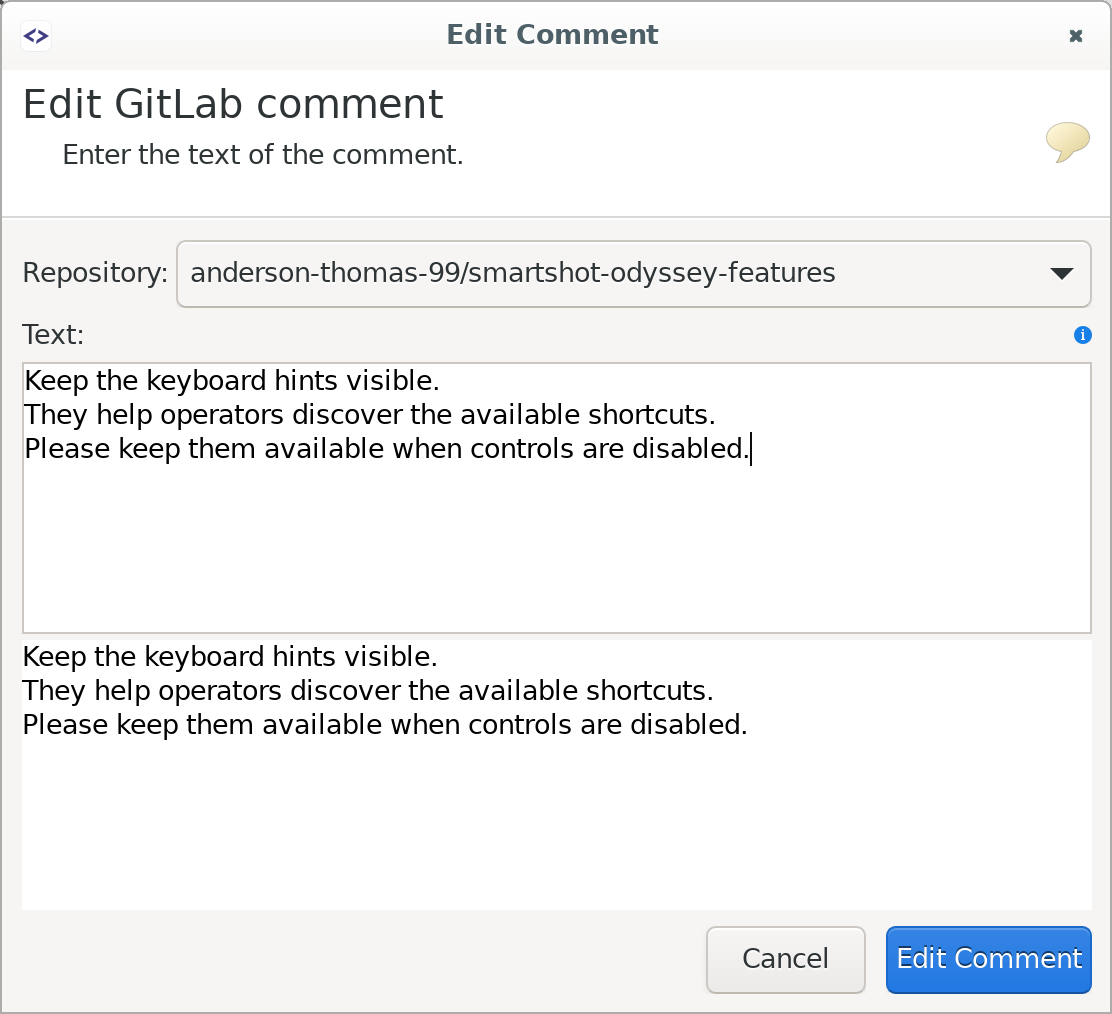
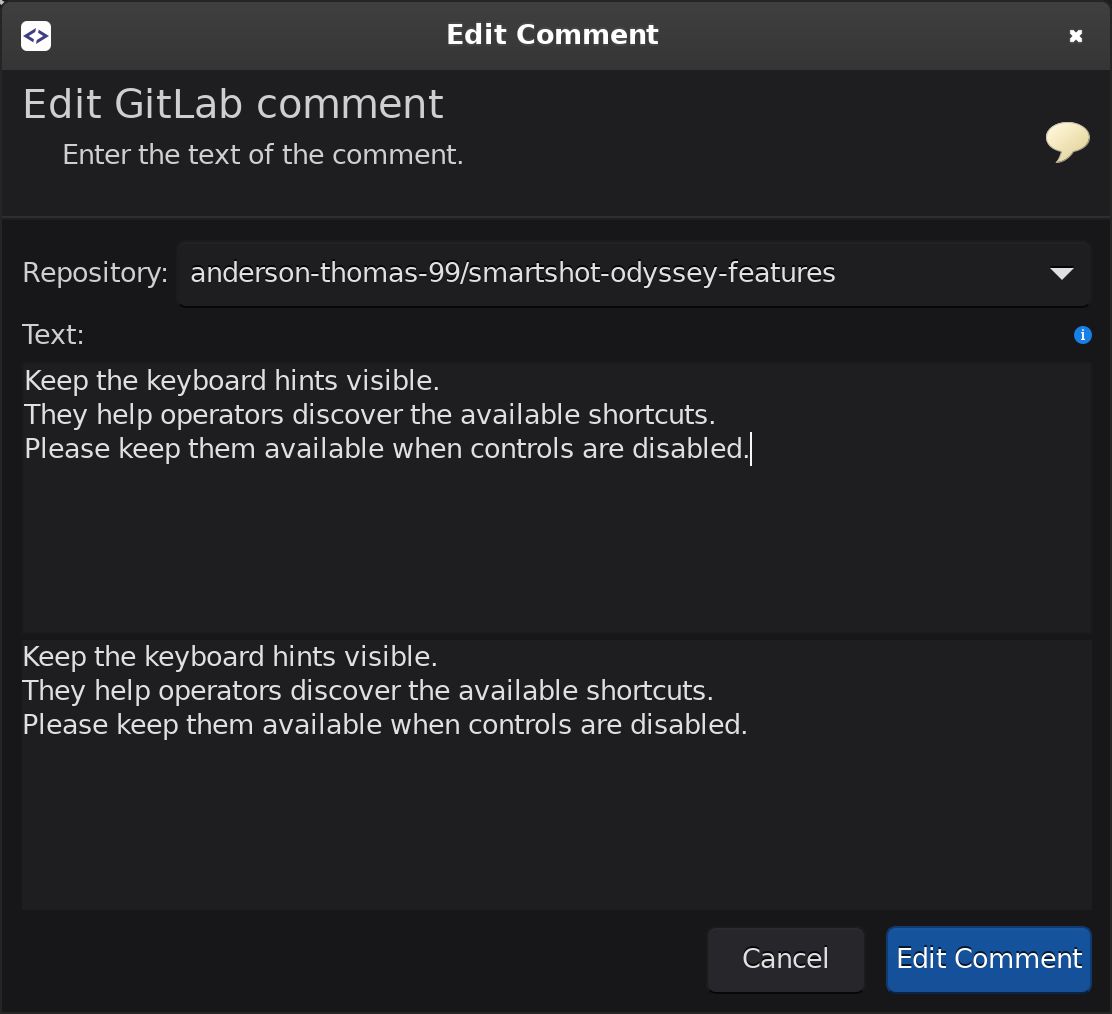
Reviewers can browse through a commit locally, comment individual lines and manage comments.
Developers can check and process their comments, or continue discussion by replying to the reviewer.
Clone your or your groups’ repositories
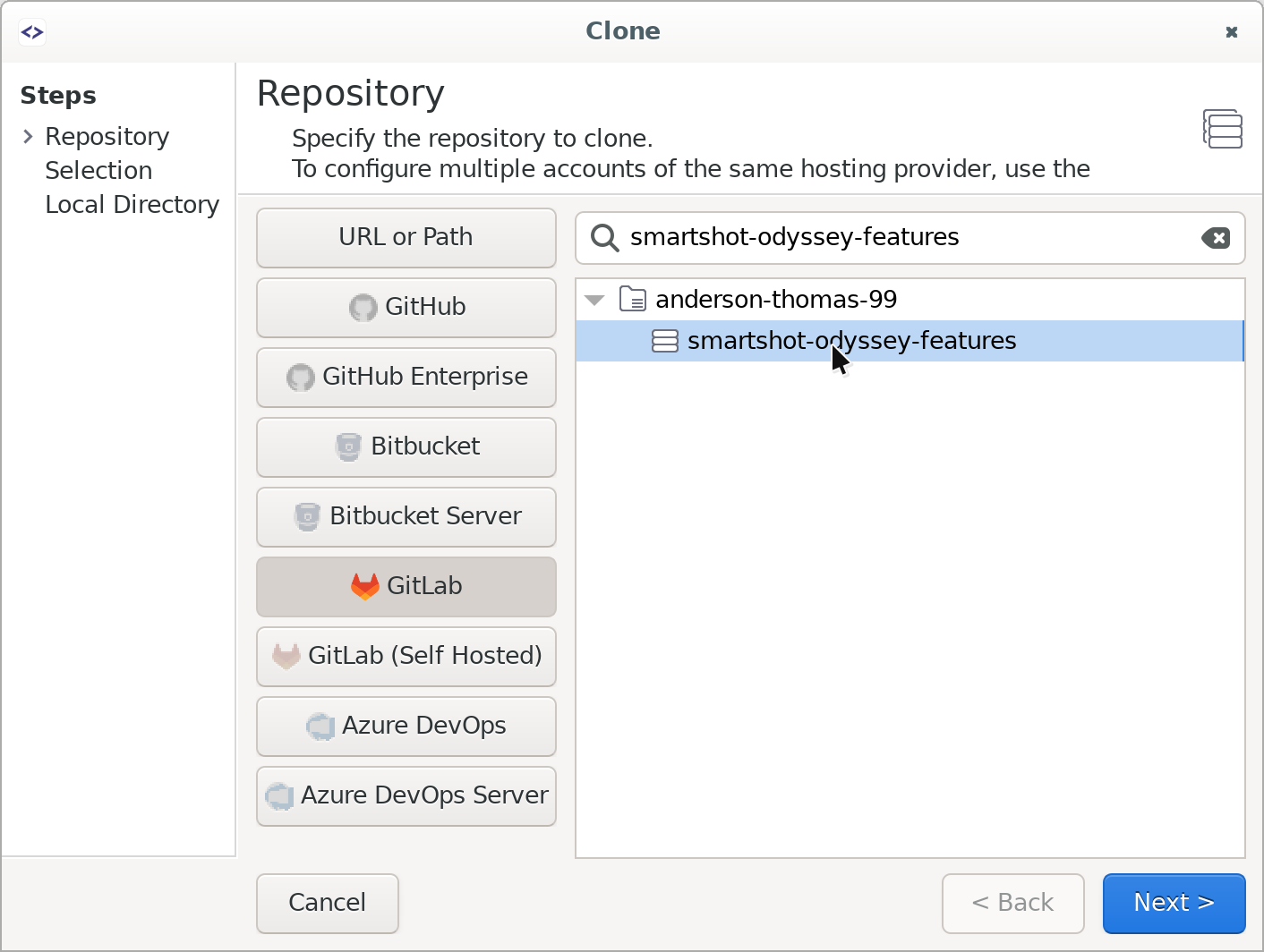
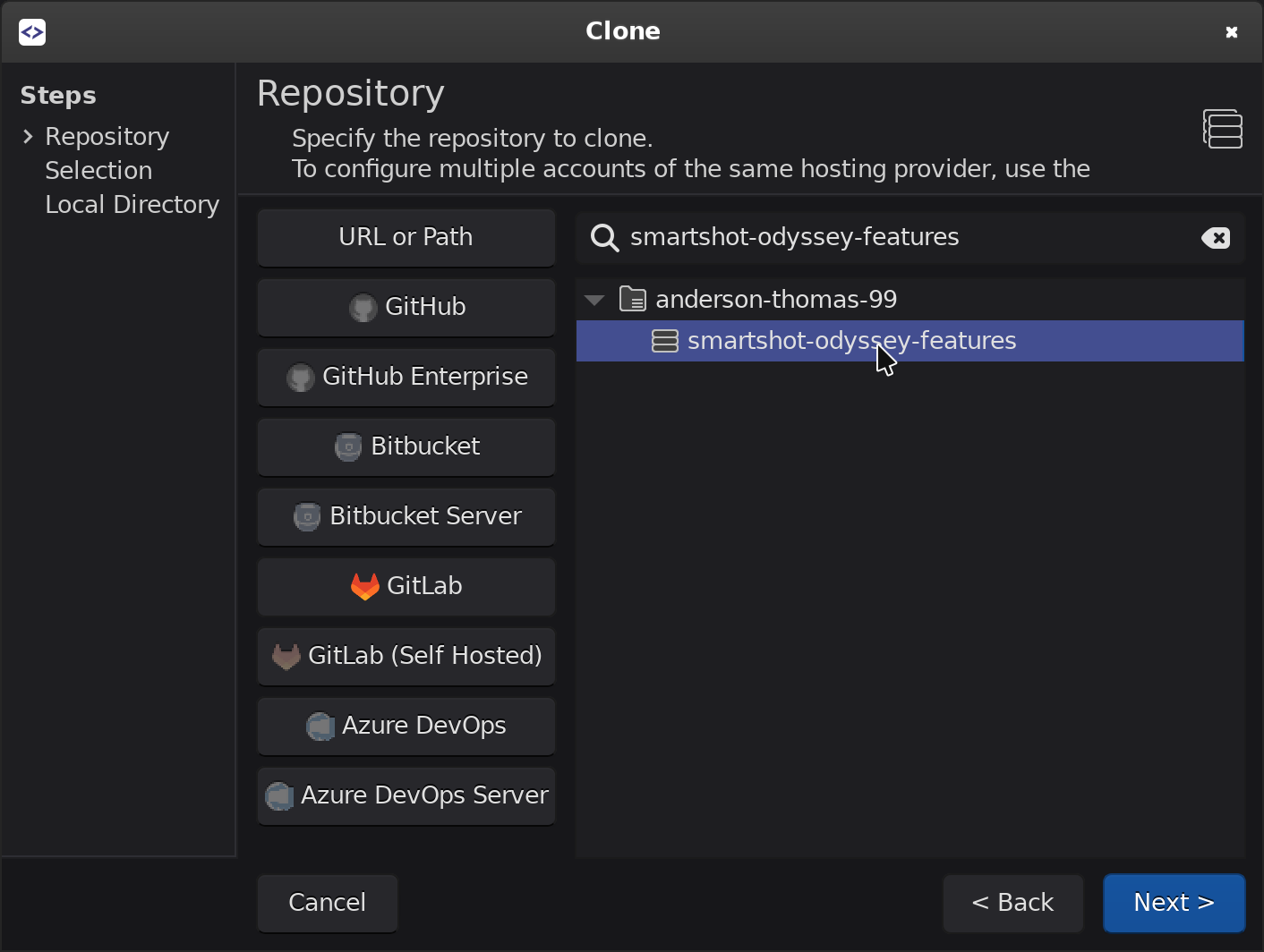
Clone lists your own repositories and the repositories of the groups you belong to. You can simply pick from this list.
Self-Hosted GitLab Support
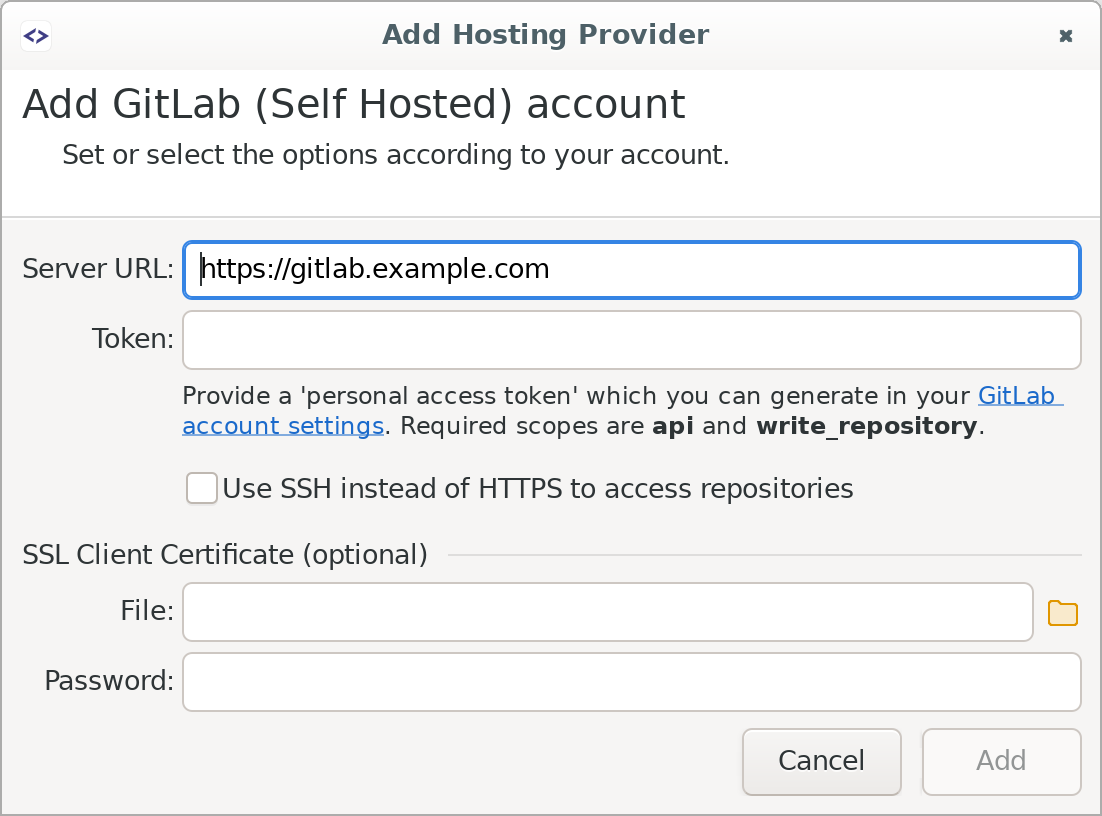
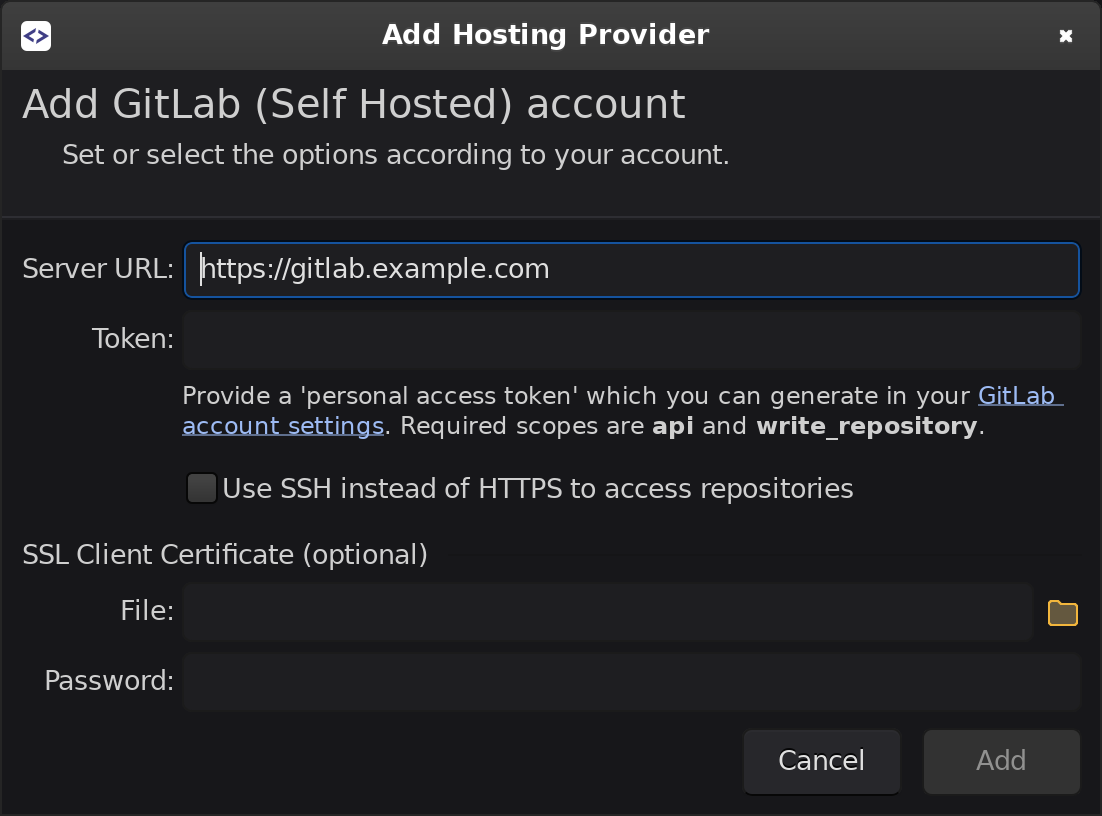
The same integration works with your company’s self-hosted GitLab instance. You can configure multiple accounts: one for gitlab.com and one for each self-hosted instance you use.