Remove File from a Git Commit
If it is about removing an unintentionally added file from the latest commit, you can do it by undoing the last commit. For older commits, follow the procedure below.
- Start an Interactive Rebase: (mind the trailing
~!) To determine the<commit>-ID of the desired commit, you may use some kind ofgit log --format=onelinecombined withgrep.
git rebase --interactive <commit>~
- Edit the Commit: In the first line (it will have the specified
<commit>-ID), change thepicktoedit, save and exit the editor.
- Delete the Unwanted File:
git rm <unwanted-file>
- Amend the Commit: Close the commit message editor.
git commit --amend
- Continue the Rebase:
git rebase --continue
Considerations
- If the commit is part of your feature branch, which has already been pushed, it will require a force-push.
- Be cautious when attempting to remove a file from a shared branch, as this may cause significant confusion and requires clear communication with all affected users.
With SmartGit
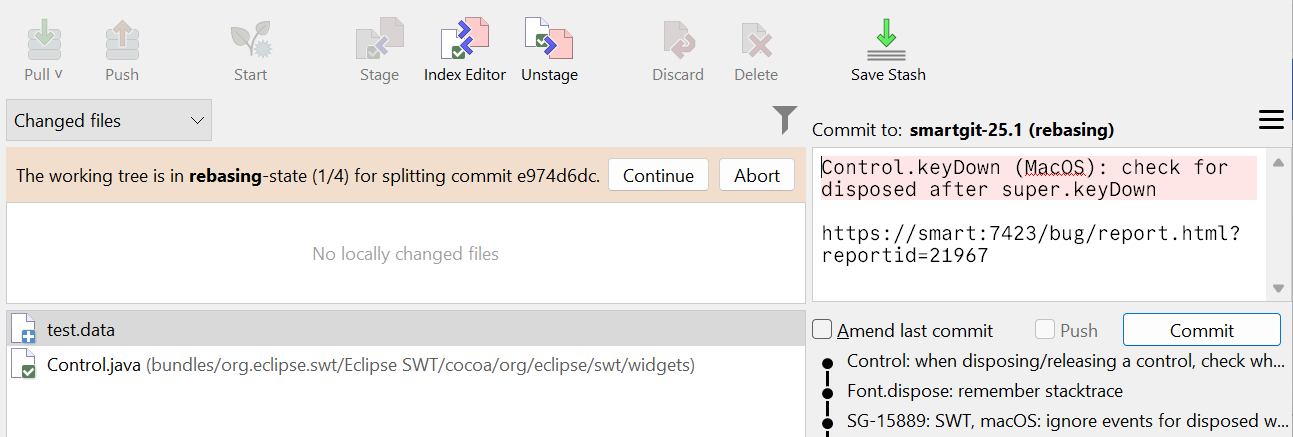
Right-click the commit in the Graph and select Split. This will start an intermediate rebase and put all commit changes in the index.
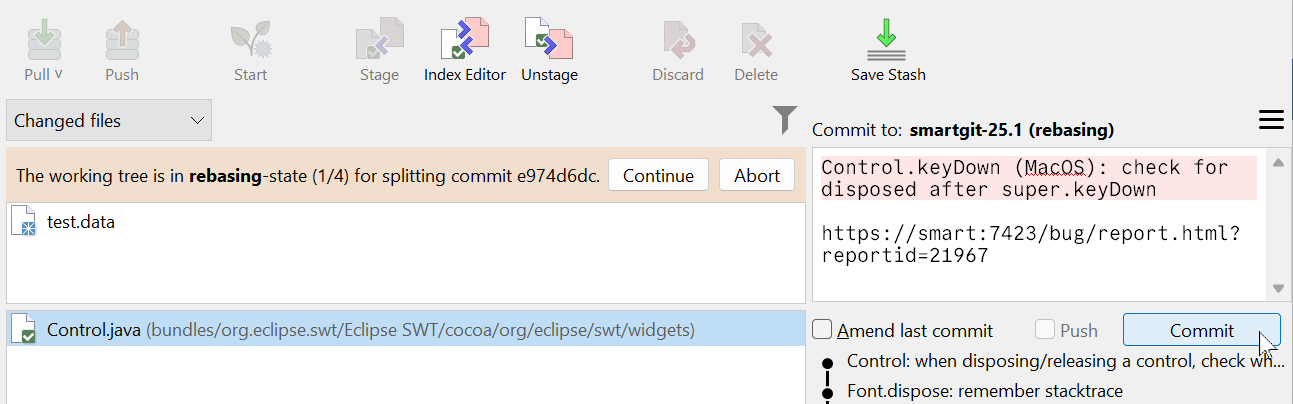
Remove the file from the index by clicking Unstage. To create the new commit with the file excluded, click Commit.
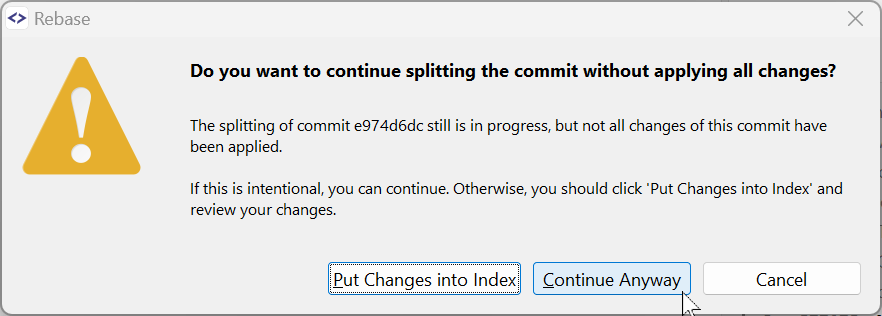
The unstaged file will still be present in the working tree. Delete it by clicking Delete. Click Continue and confirm that you really don’t want to apply all changes by clicking Continue Anyway.
